


Headless CMS platforms have gained popularity due to their flexibility in delivering content across multiple digital channels
But can they effectively manage and create content for non-digital channels, such as print, signage, and physical publications? The answer is a resounding yes, but with some key considerations.

What Do I Mean by Non-Digital Channels?
Non-digital channels refer to any medium where content is consumed outside of digital screens, including:
- Print (magazines, brochures, guidebooks)
- Signage & Billboards (storefront posters, travel ads)
- Packaging (product labels, retail displays)
- Point-of-Sale Materials (restaurant menus, in-store promotions)
Traditionally, these materials are created in design-centric tools like Adobe InDesign, Canva, or QuarkXPress, often with manual input from marketing and design teams. The challenge is how a headless CMS, which is primarily API-driven, fits into this workflow.
How Headless CMS Platforms Support Non-Digital Content
Headless CMS platforms are built to store structured content that can be distributed across any front-end via APIs. This flexibility means that content originally structured for digital channels can also be repurposed for print and other non-digital outputs.
Structured Content for Print & Beyond
A headless CMS allows organisations to structure their content independently from presentation. This makes it easier to generate outputs for print or other physical formats without requiring extensive manual intervention.
For example, a CMS could store:
- Articles & Descriptions for both web and print publications on the same entities
- Product Details for packaging and marketing collateral
- Event Listings for both online event pages and printed flyers
API-Driven Content Delivery to Print Tools
Many modern design and layout tools support API integrations, allowing them to pull content directly from a headless CMS. This means designers no longer have to copy-paste content manually but could fetch it dynamically.
Examples:
- Adobe InDesign Server can integrate with a CMS to auto-populate content in layouts.
- Tools like Typefi could take structured data from a CMS and generate print-ready documents.
- Canva API can ingest CMS content to create templated marketing assets.
Omnichannel Publishing (Single Source of Truth)
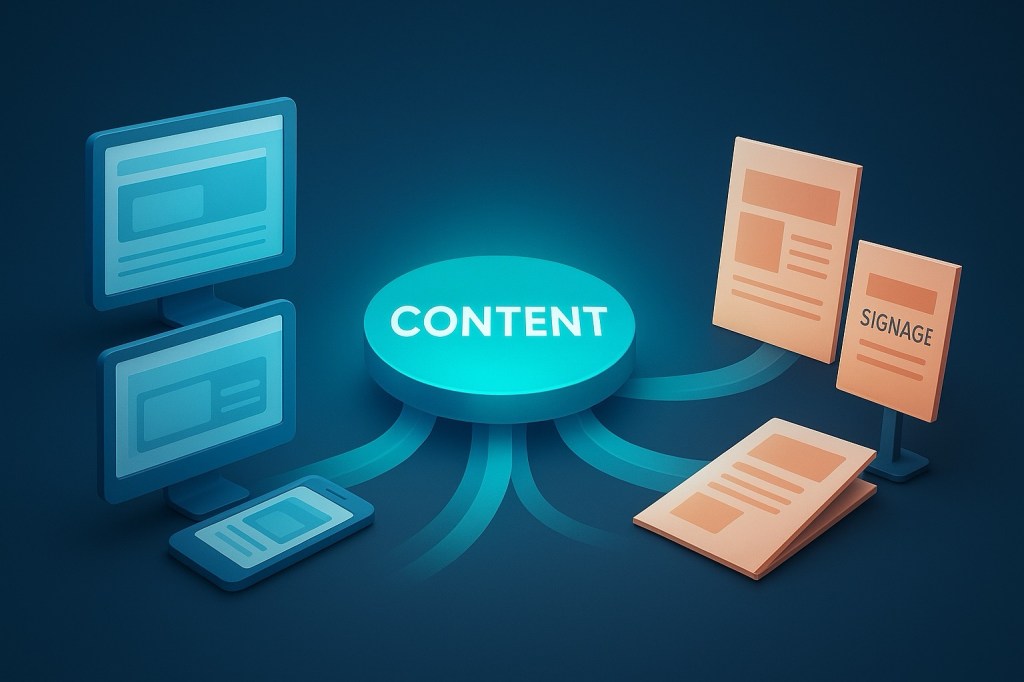
A headless CMS serves as a centralised content repository. This ensures consistency across both digital and print materials. Instead of maintaining separate workflows for websites, brochures, and signage, organisations can manage everything from a single source.
Example:
A travel book company for example (which uses headless and a DAM) can store travel guide content in the headless CMS, then distribute it to both web, mobile apps and print guidebooks via automated workflows.
Workflow Automation & Personalization
A headless CMS can power automated publishing workflows, generating customised print materials dynamically based on data inputs.
Examples:
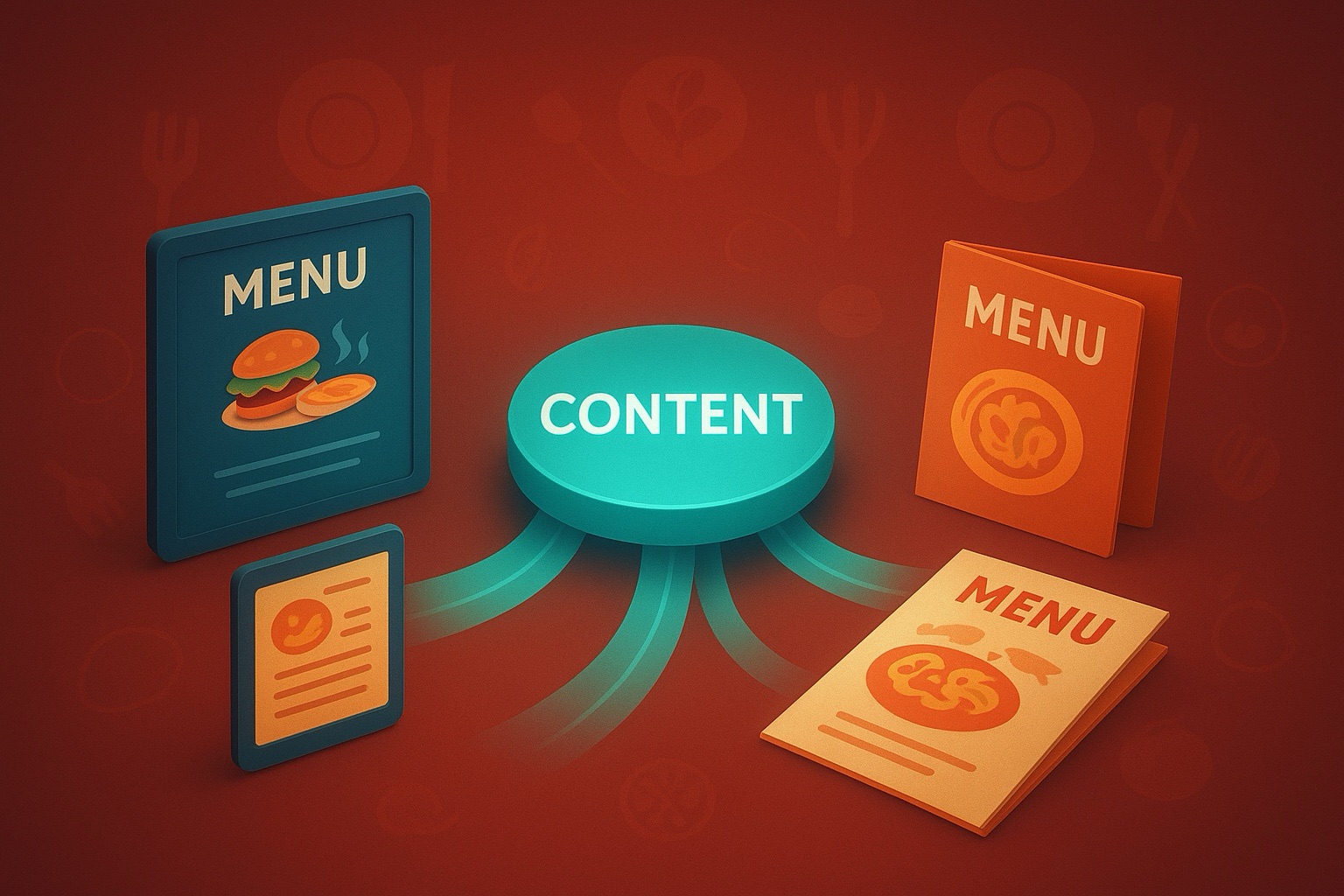
A restaurant chain could store its menu items in a CMS and auto-generate location-specific menus for print
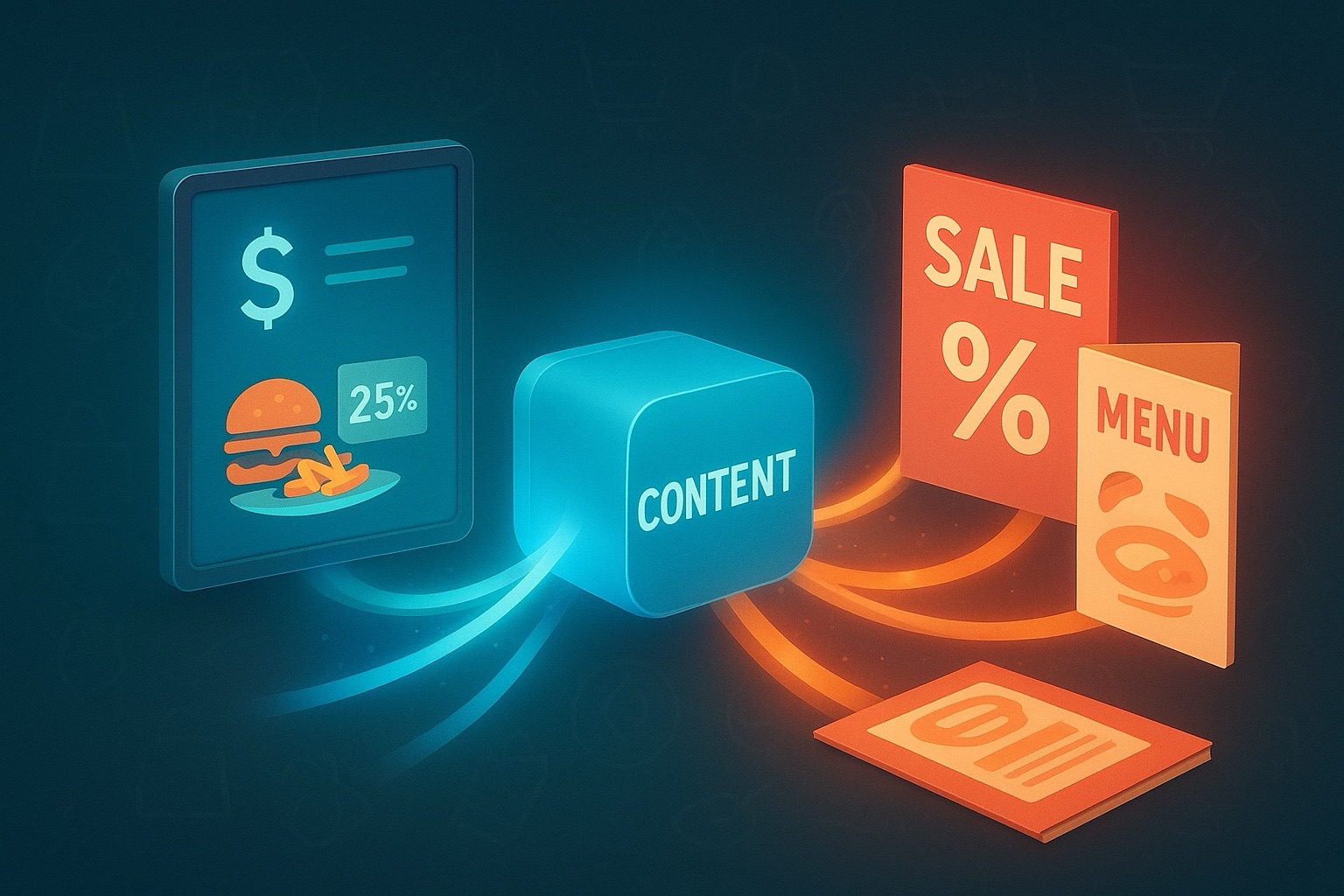
A retailer could create dynamically updated in-store signage with pricing and promotions fetched from the CMS.
Content Reuse Across Formats
Instead of creating separate versions of content for web and print, a headless CMS allows content reuse with minimal adjustments. For example:
- An article can be formatted as a blog post for digital but exported as a PDF for print publication.
- A product description can be used on an eCommerce site and also in a print catalog.
What Are the Challenges?
While a headless CMS offers huge advantages for managing content across digital and non-digital channels, there are challenges:
Formatting & Design Considerations
Print layouts require precision that CMS platforms don’t inherently manage.
- Margins
- Fonts
- Image resolutions
- Bleeds
- Page breaks and continuation of content onto other pages
Also a CMS in a composable world should not manage these parts anyway.
Use tools like InDesign Server or Typefi to apply CMS content to structured templates.
Integrate to these platforms rather than replace them.
Content Adaptation
Some content needs modification for print like removing hyperlinks or adjusting image quality.
Implement workflow rules to adjust content formatting based on output type.
Most CMS platforms will have a pipeline, scripting or function framework that can trigger on save and automatically make the changes.
Integration Complexity
Not all print tools have robust APIs, making CMS integration more complex than digital channels.
Choose a CMS with strong API capabilities and work with middleware if needed.
Should You Use a Headless CMS for Non-Digital Content?
It depends on the following
It’s ideal for:
- Organisations managing content across multiple digital and print channels
- Businesses needing consistent branding and automated workflows
- Teams that want to minimise manual updates and repurpose content efficiently
Not ideal for:
- Companies heavily reliant on custom-designed print materials with frequent manual changes
- Businesses without integration-friendly print design tools
Final Thoughts
A headless CMS isn’t just for websites and apps
It’s a powerful tool for managing content across all mediums, including print. By integrating with the right tools, businesses can streamline workflows, maintain consistency, and automate publishing across both digital and non-digital channels.
If your company produces brochures, signage, menus, or print catalogs, consider leveraging a headless CMS to centralise and optimise content distribution – beyond just screens.


 Tim's Blog
Leave a Reply