


I had a request recently to add a custom image to a QR code using Sitecore Content Publisher (CHILI publisher).
I thank the CHILI support team, as I wasn’t even sure this was possible. However, as always, they came through and gave me a solution.
To add an image into a QR code using CHILI publisher, you can follow these steps:
CHILI Back Office

You cannot access the back office if you do this on a Sitecore Content Hub sandbox.
This will only work on a Sitecore Content Hub environment with a dedicated Sitecore Content Publisher instance.
Log in and open the barcode types page.

Add a new barcode type for QR – The thing to notice, though, is the Advanced options – You need to set this to errorcorrectionlevel=H
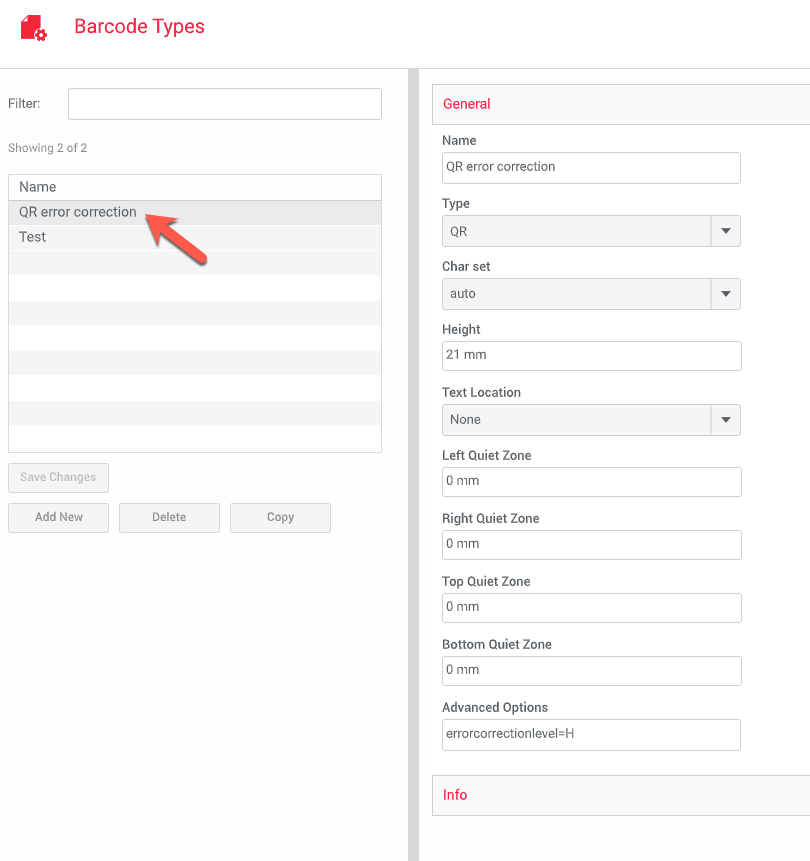
I didn’t have a clue what this meant, but searching around, I found various articles on how you can change the settings of a QR code generation to allow higher faults. Technically if you set error correction to Low, the scanner needs a really clear look at the barcode. High means that up to 30% of the QR code can be ‘fuzzy’ – In this case, an image right in the centre and still be scanned.
Soon as you add in the new QR code type, this will be available in the CHILI editor inside Sitecore Content Publisher.
Sitecore Content Publisher
Launch Content Hub and open a Sitecore Content Publisher template. For this post, it will be a blank document, and you should see the following.

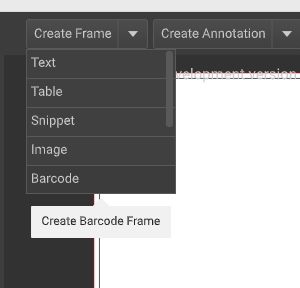
We will create a new frame for the barcode. Giving it the following settings.

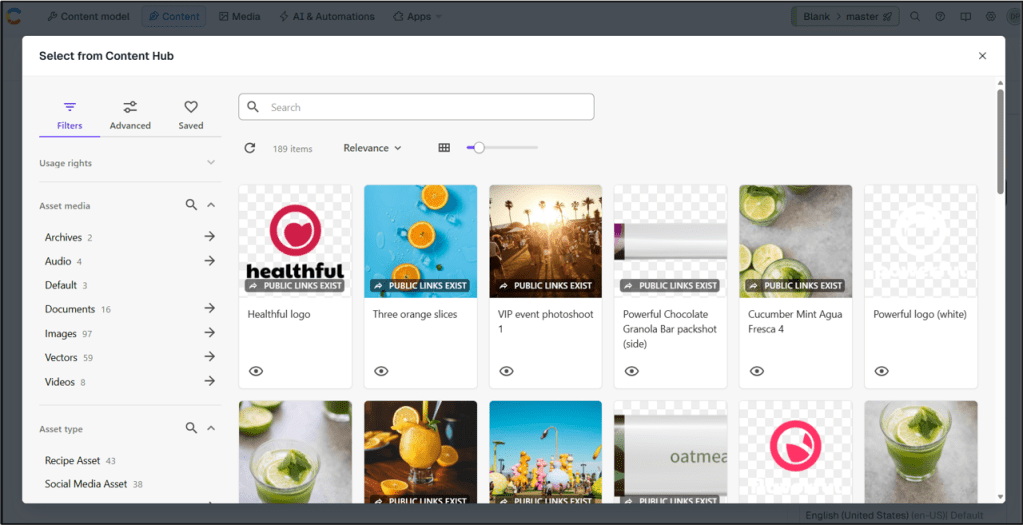
The next step is to add a new frame for the image and select the image that we want to use. I have chosen an image here that does not have a transparent background.
The result works, and using a QR code scanner, the link should bring you to this page.

Please remember that adding an image to a QR code may affect its scannability. Test the QR code after adding the image to ensure it still functions as intended.
There will be a maximum size here for the images as QR code scanners need to be able to read the image. For a quick test to show you what the error correction does, both QR codes below use the same URL, but the right image has no correction applied.

If you encounter any specific issues or need further assistance with Sitecore Content Publisher, please reach out, and I’ll be happy to help.
I hope this helps someone.


 Tim's Blog
Leave a Reply