



Getting the version of your Sitecore Content Hub instances has changed since Sitecore deployed automatic upgrades recently.
Check out my blogs below on the automatic upgrade change:
In the new release notes, I noticed that the old way of doing it has been turned off. Depending on your version, you can follow the steps below to get the version.
4.2 version or below
First, you need to log in to your Content Hub instance. Then navigate to the following URL
https://INSTANCEURL.sitecoresandbox.cloud/api/status
At the top, a version number will be displayed, similar to the one below.

That’s it; you can see the version number here. As soon as you are on an auto-upgrade version, this will not work anymore.
4.2+ version (auto-upgrade)
As said above the URL in the previous versions has now been removed, however, the version number is now shown within the user interface of Content Hub.
You need to log in to your Content Hub instance and click on the ‘Manage’ button in the top right.

Scroll down to the bottom of the page and the version is shown here.

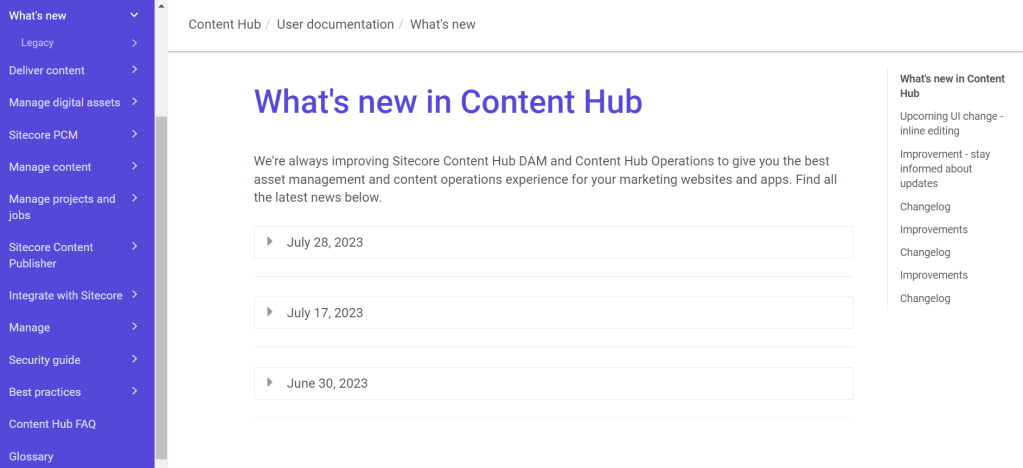
That’s it and if you go to the new Content Hub – Whats new page you can easily find out what release you are on and what that version contains.
Good luck and hope you find this useful!



 Tim's Blog
Leave a Reply