



On a project that I am currently working the Solution Architect the customer wanted a way to allows users to automatically authenticate using their SSO accounts. This was easy to configure and this was easily completed using this information Content Hub Authentication settings
However we noticed that Modules were not automatically assigned to the user when they login
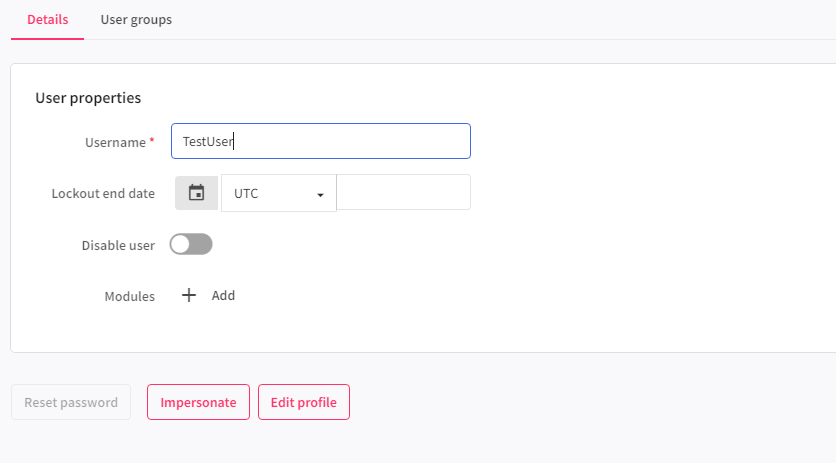
Fortunately it is quite a simple solution to add the modules with a script.
By creating a User Sign-In script you can automatically assign modules when a user logs in
The below code is rough attempt to automatically add the modules, this was just something to prove the concept.
var user = Context.User;
await user.LoadMembersAsync(null, new RelationLoadOption("ModuleToUser")).ConfigureAwait(false);
List<long> groups = new List<long>();
groups.Add(10464); // M.AssetType.Product
groups.Add(10460); // M.AssetType.Media
groups.Add(10463); // M.AssetType.Print
user.GetRelation("ModuleToUser").SetIds(groups);
// update the user
await MClient.Entities.SaveAsync(user).ConfigureAwait(false);
This on user sign in automatically assigns the modules to the user. This code was to test out the concept and confirm we could update the modules.
Improvements though could be to search for the Module by its identifier using a recursive function.
Hopefully you found this useful and happy coding




 Tim's Blog
Leave a Reply