


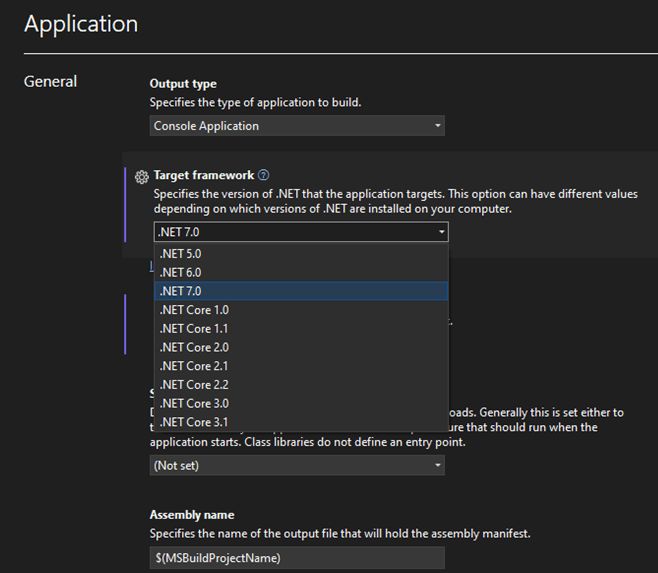
Upgrading your NET version to the latest is an easy task today, compared to previous versions.
The upgrade from NET 6 to NET 7 is literally a one line change or selection in your properties within your project.
Then after updating the NuGet packages everything worked locally absolutely fine for me. I run some traces and can see that their is a performance uplift and speed improvement.
Following some further changes I want to get this deployed to see if its quicker when deployed to the Azure PaaS App services used to host the website.

I push my changes to the repo and await Azure DevOps to build and release my code for me.
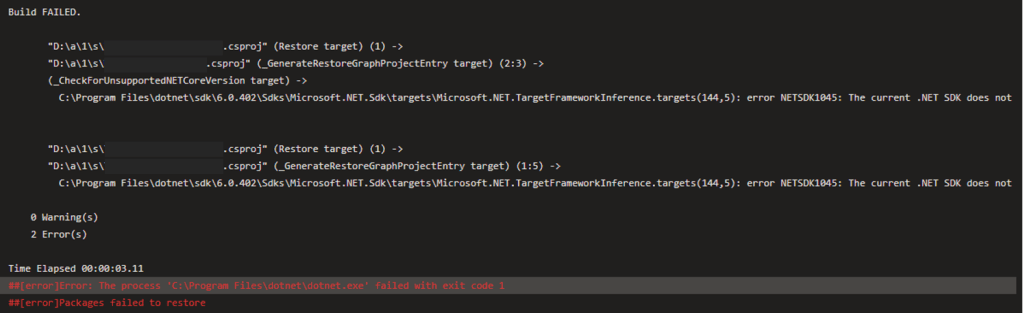
Build Failed – Checking Azure DevOps I can see the following error in the logs. Its pretty vague however I start doing some digging.
I check the build agent in Azure DevOps, and I’m using a windows-latest which should be fine as .NET 7.0 is now latest version.
A quick google and I found a link to a Github issue on the dotnet core repository. https://github.com/dotnet/core/issues/7950
Quite simply I needed to update my build pipeline to use the .NET Core 7 SDK.
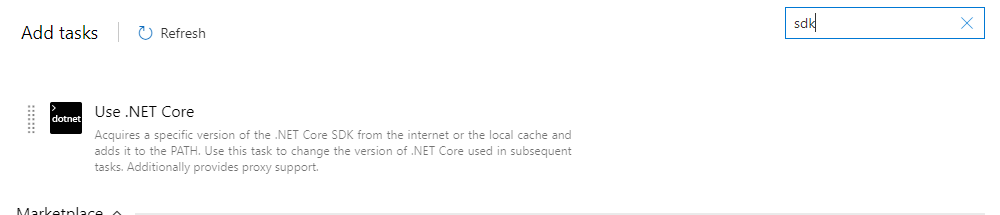

Following a re trigger of the build everything worked fine and deployed correctly


 Tim's Blog
Leave a Reply