


Sitecore Content Publisher is a really easy way for organisations to add published document production directly into Sitecore Content Hub.
It is very common for organisations to use specific fonts in their advertising or publication materials that are specific to their brand.
Content Hub by default comes with the following open fonts enabled. You can view these in Manage -> Settings-> Chili -> FontsConfiguration

Below I will detail how you add fonts to this list and to the Chili backend for use in publications.
Adding fonts to Content Hub
- Navigate to Font Configuration settings
- Manage -> Settings -> Chili -> FontsConfiguration


Switch to text mode and enter the new items into the JSON object
Save the changes
You now need to navigate to the Chili backend to add in the font files. You start by going to the ChiliConfiguration in Content Hub and copying the environment – https://environment.chili-publish-sandbox.online/environment/interface.aspx
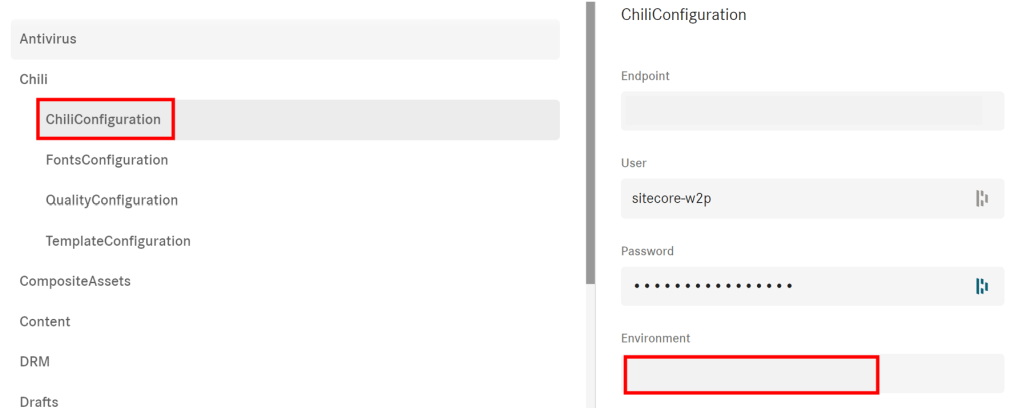

You will need a user account added to the Chili instance and this needs to be done by the account holder with Chili.
When you have a username and password you can login using the these to the instance URL above.
After logging in click Resources -> Fonts


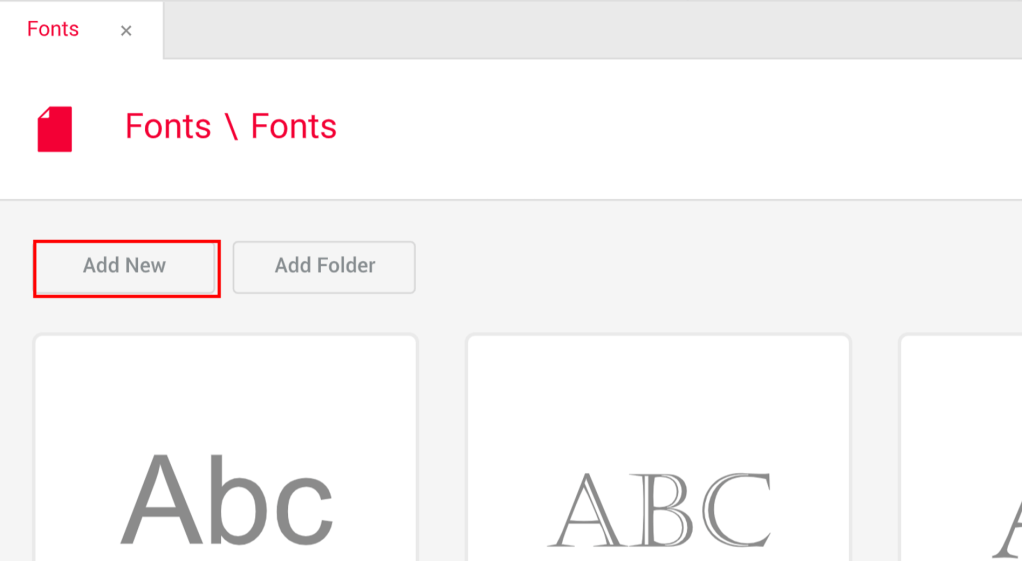
Then the ‘Add New’ button which will bring up a dialog.
You can either upload an OTF or TTF font file.
Everything is now ready and you will now allow the use of additional fonts in Sitecore Content Publisher.


 Tim's Blog
Leave a Reply